Article summaryKey takeaways+
- Define the business problem, success measures, and project scope before configuring software.
- Inventory document types, users, security needs, metadata, workflows, and migration requirements.
- Design the repository around how people retrieve and use information—not simply around the legacy folder structure.
- Test configuration, permissions, migration, workflows, integrations, backup, and recovery with representative content and user roles.
- Use role-based training, clear ownership, and measurable adoption criteria to support a controlled launch.
- Scope migration, integrations, workflow design, customization, training, and other professional services separately when required.
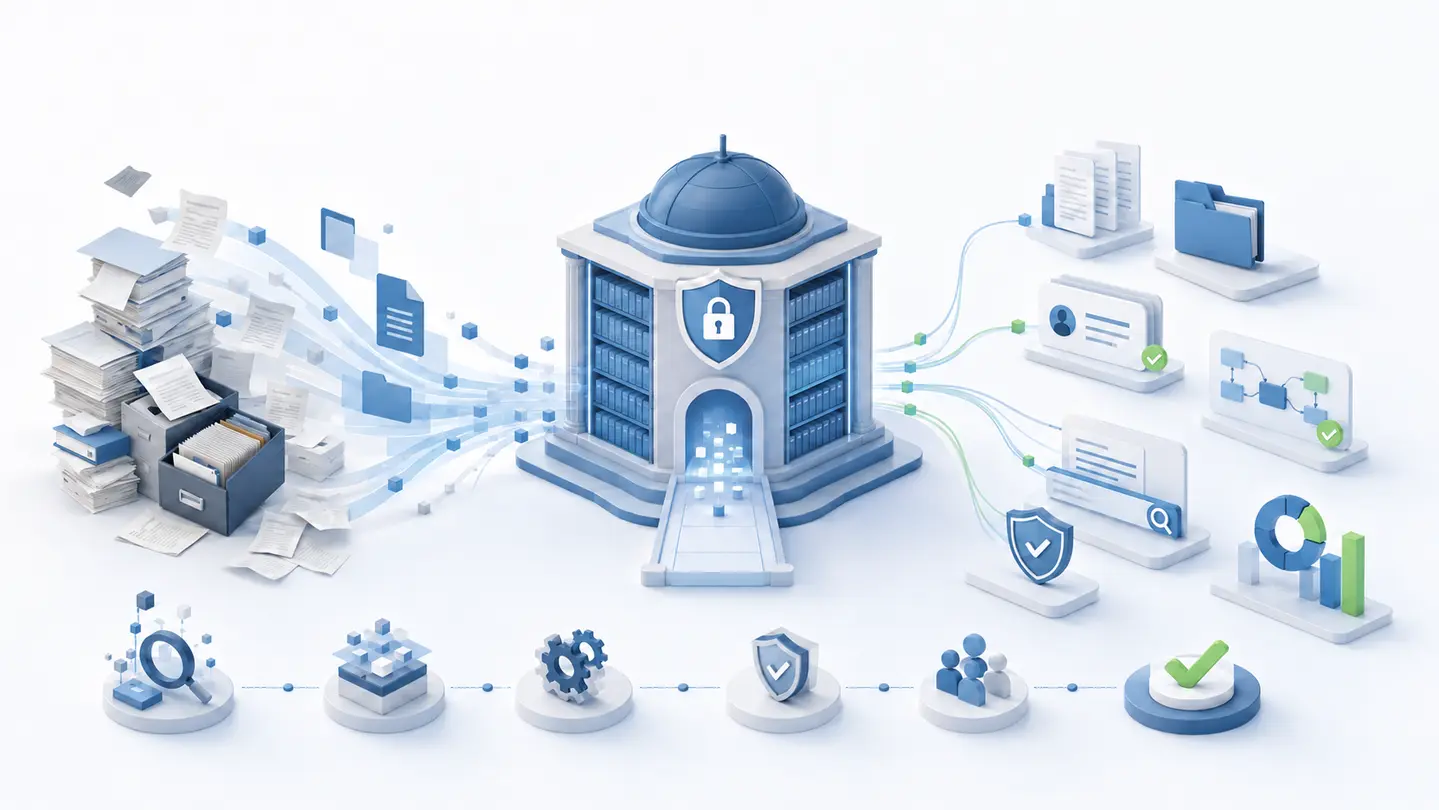
Implementing a document management system is not simply a software installation. It is an operational project that affects how documents are created, classified, reviewed, protected, found, retained, and shared.
A successful implementation begins with a clear understanding of the organization’s needs. It then converts those needs into a practical structure involving document categories, metadata, permissions, workflows, migration rules, and user responsibilities.
This guide explains the major stages of document management system implementation and the decisions that should be made before the system goes live.
1. Define the business problem
Before comparing features or configuring software, identify the problems the new system is expected to solve. Objectives should be specific and measurable. “Improve document management” is too broad; “reduce contract retrieval time from ten minutes to less than one minute” gives the project a result that can be tested.
Clear objectives define scope and prevent the implementation from becoming a collection of unrelated requests.
- Replace shared drives or disconnected repositories
- Reduce time spent searching for information
- Control access to confidential documents
- Automate reviews and approvals
- Improve version history, retention, auditability, and compliance readiness
- Capture searchable information from scans with OCR
- Support distributed teams and business-system integrations
2. Identify documents and users
Create an inventory of the document types that will be managed: contracts, invoices, employee records, policies, drawings, customer files, quality records, or correspondence. For each type, document its location, format, volume, owners, sensitivity, retention needs, process, and scanning requirements.
Group users by role. Regular users, administrators, reviewers, external participants, and occasional users may need different permissions, licenses, and training. This analysis supports infrastructure, security, migration, workflow, and commercial decisions.
3. Establish the project scope
State which departments, document types, integrations, workflows, and historical records are included—and what is excluded from the first phase. A phased rollout often reduces risk and lets the team apply lessons from one department to the next.
Separate standard product configuration from professional services. Installation, migration, integrations, workflow design, customization, advanced configuration, training, development, and project management should be scoped and estimated separately when required.
4. Design the document structure
A repository should be easy to understand without recreating every folder from the old shared drive. Combine useful folders with metadata, document types, categories, saved searches, and security rules.
Design around how employees retrieve information. Customer records may use customer and project, while invoices may be found by vendor, invoice number, date, status, or purchase order. Keep the first structure simple; excessive depth and complicated rules make maintenance and adoption harder.
5. Define a metadata strategy
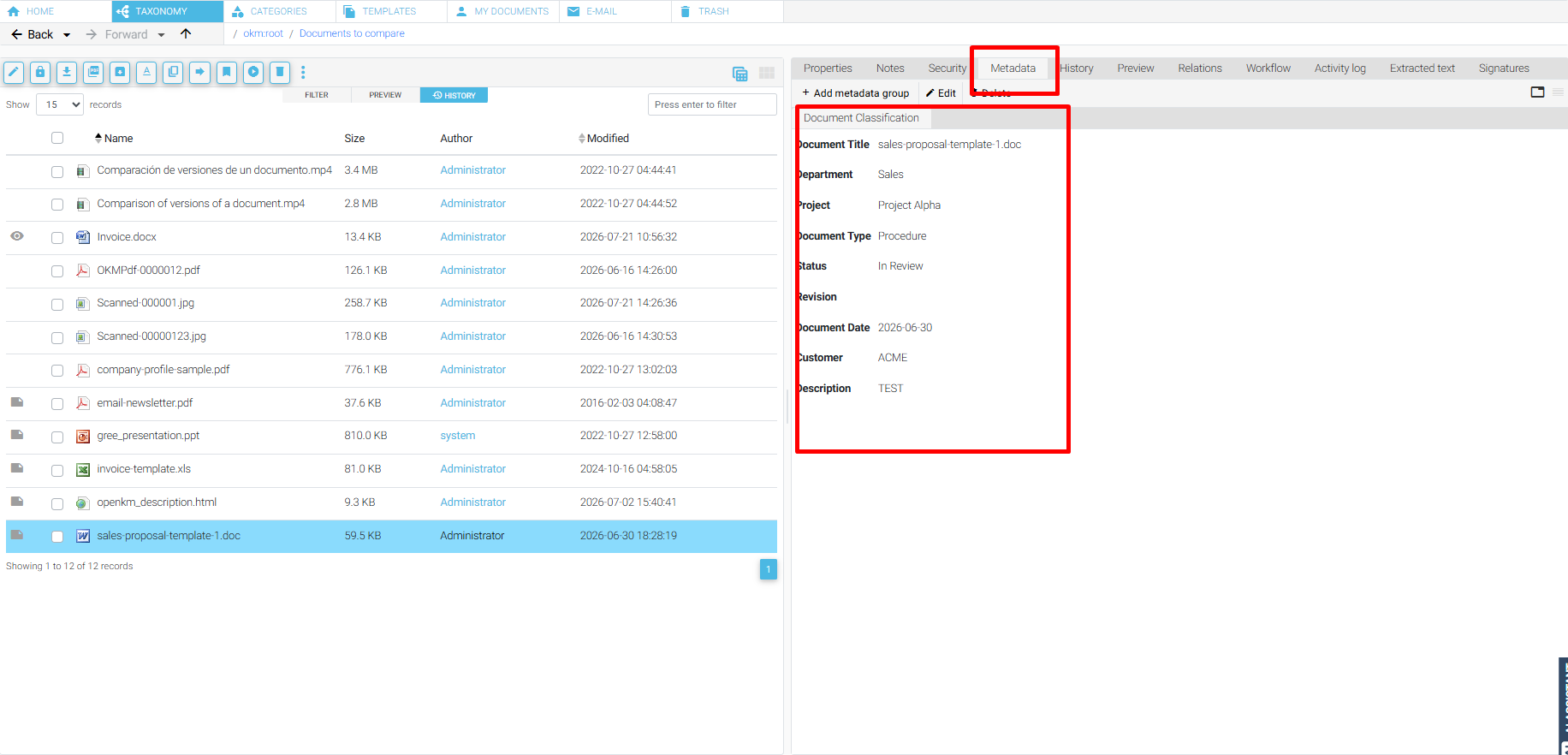
Metadata describes a document and helps users find, route, secure, and manage it. Useful fields may include customer, document type, contract or invoice number, department, effective date, expiration date, approval status, retention category, or project number.
Collect only information with a clear business purpose. Too many required fields slow users down and reduce accuracy. Use controlled lists, integrations, OCR extraction, and automatic assignment when practical. Filenames should remain useful, but they should not carry every important detail.
6. Plan security and access controls
Base permissions on job responsibilities, document sensitivity, and business requirements. Role- or department-based groups are usually easier to maintain than individual permissions.
Define who may view, create, edit, delete, download, or share documents; how restricted and external access works; who controls administrative privileges; whether MFA or SSO is needed; and how audit trails, backup, recovery, and offboarding will be handled. Test with realistic user accounts—not only an administrator account.
7. Design workflows around real processes
Workflow can automate routing, review, approval, notifications, and escalation, but automating a poorly defined process usually preserves its problems. First document the trigger, responsible person at each step, required information, decisions, rejection path, reminders, escalation, and completion record.
Begin with processes that have clear rules and meaningful business value. Workflow design, testing, integration, and later changes are controlled project work because even a small change may affect permissions, notifications, reporting, and compliance.
8. Prepare the migration
Decide what should move, what is obsolete or duplicated, how existing folders map to the new structure, how metadata and permissions will be assigned, whether versions must be preserved, and how results will be validated.
Do not migrate unnecessary files simply because they exist. Clean source data first, then run a test migration. Compare file counts, metadata, permissions, versions, and accessibility, and prepare a rollback and recovery plan before the final move.
Use the document management migration checklist to document source inventory, mapping, pilot testing, reconciliation, and cutover controls.
9. Configure and test the system
Configuration should follow approved requirements rather than informal individual preferences. Test uploads, retrieval, full-text and metadata search, OCR, versions, permissions, notifications, workflows, imports, exports, integrations, browser and mobile access, backup, and recovery.
Use representative documents and accounts from different roles. Record every issue, severity, owner, and resolution. User acceptance testing should confirm the agreed business process; it should not become an unlimited opportunity to add requirements immediately before launch.
10. Train users according to their roles
Regular users need practical instruction on adding, finding, updating, and routing documents. Reviewers need tasks and approvals. Administrators need deeper training in security, configuration, monitoring, and support.
Short role-based sessions, quick-reference material, written procedures, and recorded demonstrations are usually more effective than one technical presentation for everyone. Managers must reinforce the new process; leaving the old repository open indefinitely divides information and slows adoption.
11. Plan the go-live
Confirm that production infrastructure and backups are ready, users and permissions exist, migration results are approved, workflows and notifications work, training is complete, support responsibilities are understood, and issues can be reported and prioritized.
A pilot may work well for one department or document type. Other projects need a coordinated transition because old and new processes cannot safely run in parallel. Choose based on volume, operational risk, integrations, and the organization’s ability to support users.
12. Measure and improve
Implementation does not end at launch. Measure retrieval time, active users, processed documents, workflow duration, approval delays, classification errors, support requests, use of the old repository, and audit or compliance exceptions.
Prioritize improvements by business value, risk, effort, and budget. New workflows, integrations, customizations, migration phases, and advanced configuration should follow a documented change process to protect stability and control scope.
Common implementation mistakes
- Selecting software before defining requirements
- Migrating every existing file without review
- Recreating an inefficient folder structure
- Requiring too many metadata fields
- Giving users broader access than necessary
- Automating an undefined process
- Underestimating migration and integration work
- Providing insufficient role-based training
- Launching without user acceptance testing
- Treating new requirements as included in the original scope
- Failing to define system ownership after launch
Final considerations
A document management system can improve information access, document control, workflow efficiency, and operational visibility. The technology matters, but the implementation method determines whether those benefits are achieved.
Start with the business problem. Build a manageable structure. Define metadata and permissions carefully. Test migration and workflows with real examples. Train users according to their responsibilities, and measure adoption after launch.
Plan a focused evaluation
Turn requirements into an achievable implementation plan.
OpenKM Hub can help define deployment options, licensing needs, professional services, responsibilities, scope, and the appropriate next step.
Discuss Your Requirements